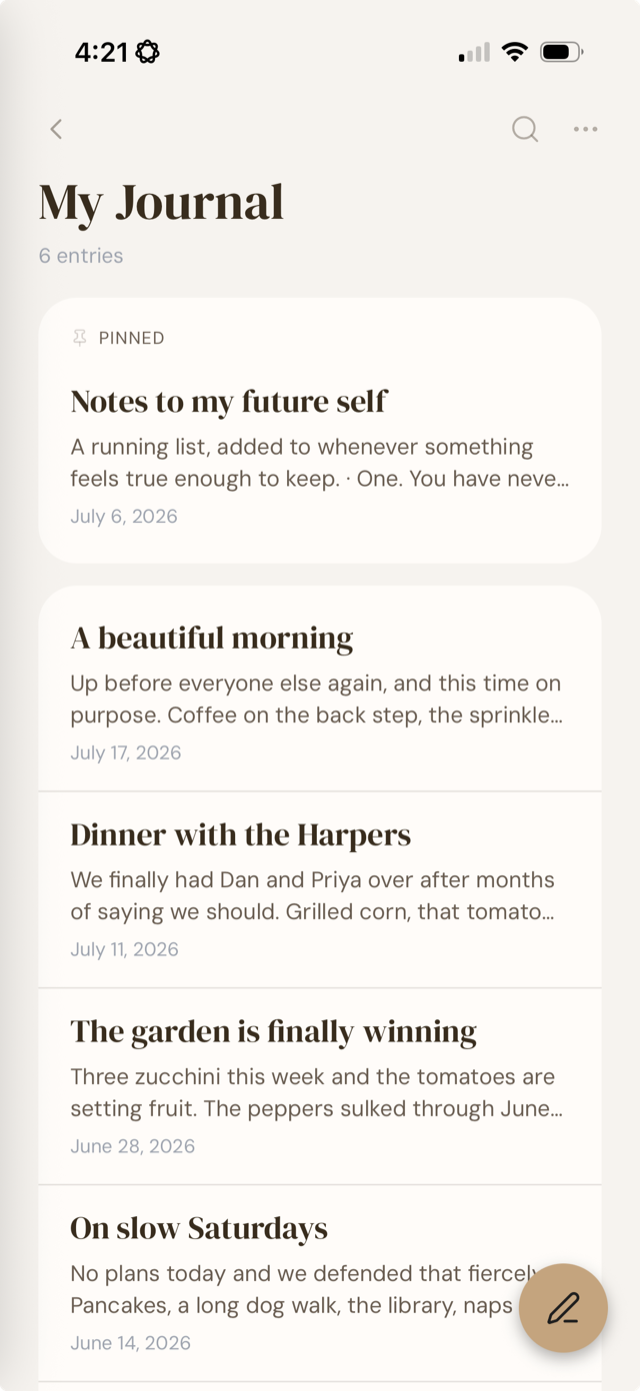
The Lucive Notebook

Write
like no one’s
watching.

Because nobody is. Lucive is an encrypted journal that lives on your devices and answers to you alone.

One-time payment. No subscription.
Encrypted end-to-end
No accounts
Local-first
macOS · iOS · Windows · Linux
One-time $9.99
Works with Claude
Yours to export
Encrypted end-to-end
No accounts
Local-first
macOS · iOS · Windows · Linux
One-time $9.99
Works with Claude
Yours to export
The Particulars

Six small
opinions
about writing.

Lucive is, first, a writing surface. We added a few more goodies that fit in naturally.
01
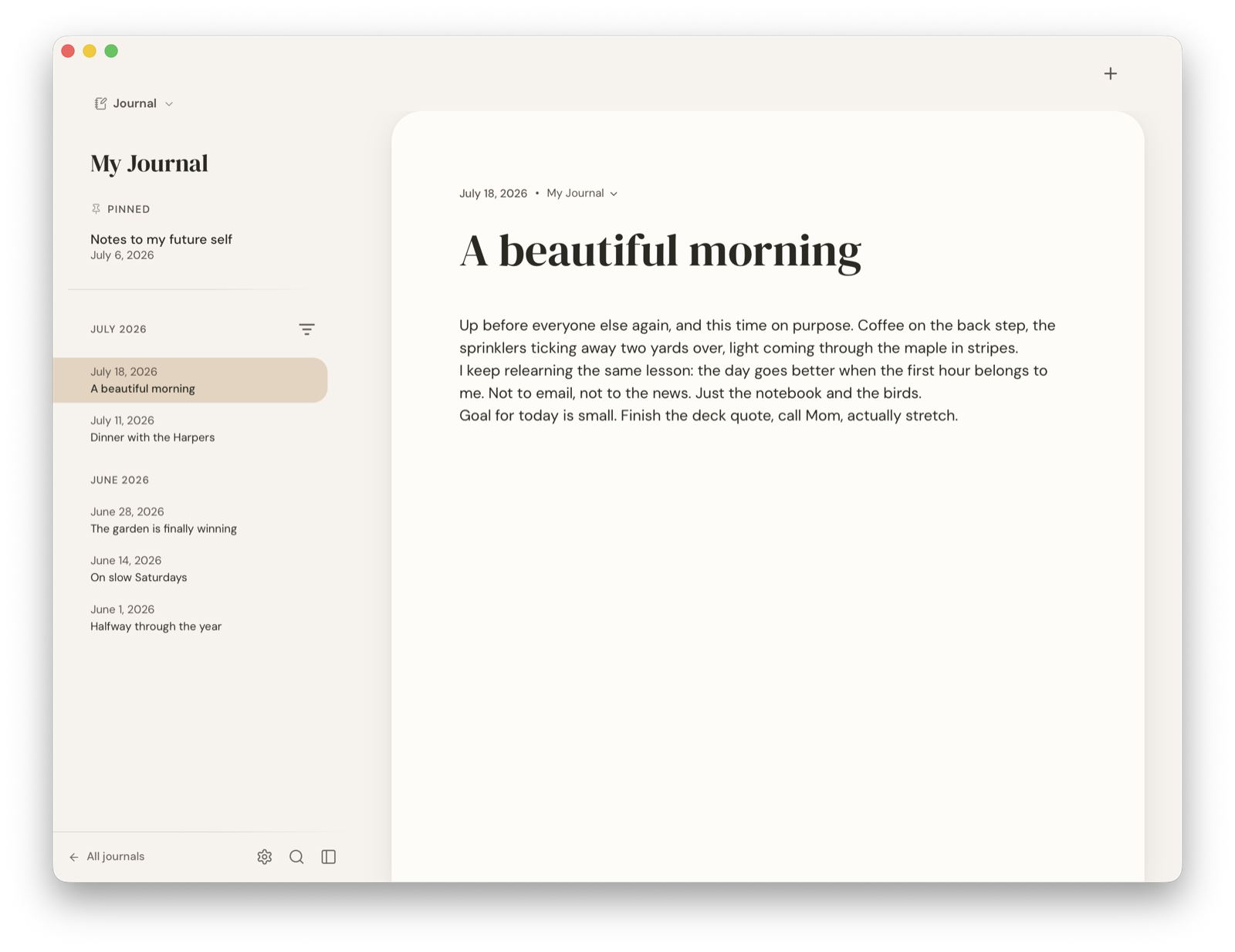
A journal that holds many.
Keep mornings, work, letters, and field notes as their own books. Find any of it in milliseconds.
02
Encrypted, all the way down.
Strong modern ciphers (XSalsa20-Poly1305 + Argon2id) protect every entry. Your keys live in the platform keychain, unlocked by Touch ID or Face ID, never sent anywhere.
03
A surface for thinking.
Rich text, markdown, slash-commands, @entry-mentions. Nothing else. Notion this is not.
04
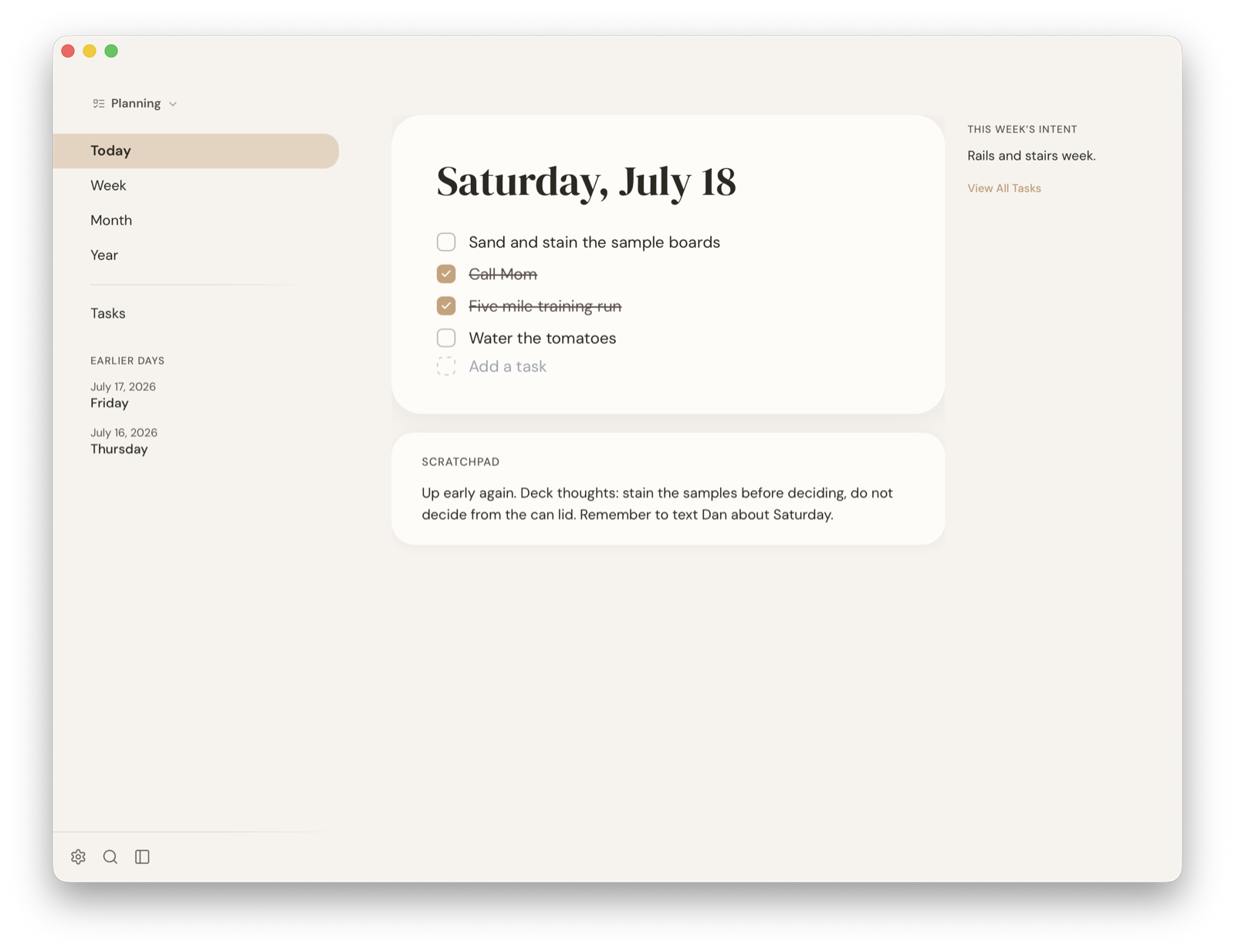
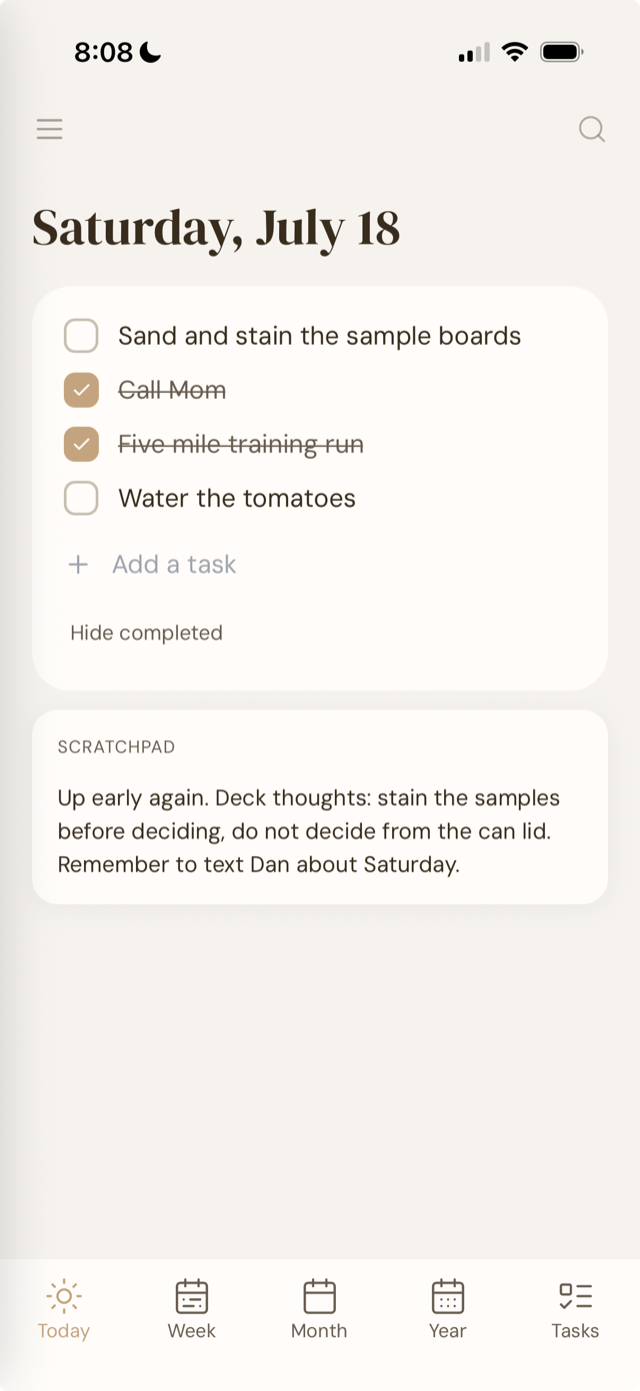
Tasks beside the writing.
Checkboxes inside any entry. A Tasks tab when you'd rather see the list on its own. No projects, no boards, no Gantts.
05
A blur for the nosy.
⌘⇧B and the screen goes paper-blank. For shared kitchens, open offices, the seat next to you on a train.
06
Yours to take elsewhere.
Export to plain Markdown any time. There is no lock-in. Bring it back the same way.
Introducing Lucive MCP
(optionally)

Let your agents talk to your journal and help you make sense of your thoughts.

When it’s on

Search past entries. Draft new ones from a conversation. Find the thread that keeps coming back.

We know sharing your journal with an agent can be a little less private, but that’s why it’s optional. Off until you turn it on. Off again whenever you want.

  • Off until you turn it on
    MCP is opt-in. Lucive runs exactly the same with it disabled.
  • No Lucive relay or cloud
    The MCP server runs only on your machine. Lucive doesn't proxy your entries to anything.
  • Through the live app
    Claude calls into Lucive, not the SQLite file. Whatever it reads is sent to its provider as part of the conversation, the same way anything you type to it is.
C
Claude Desktop
connected · localhost
You
What did I write about the garden last spring?
Claude
search_entries · "garden" · spring 2025
You wrote five entries. Three in Field notes, two in Morning pages. The April 12 entry begins: “The tulips opened this morning, all at once, like they’d been talking it over.” Want me to read the full entry?
The whole picture
Claude Desktop
MCP server on localhost
Lucive (encrypted SQLite)
Lucive’s footprint: two processes, one machine.
Tools agents can call

Most of what you can do in Lucive, an agent can do too.

Entries & journals
list_journals
Browse every journal in the library.
list_entries
Page through entries with previews.
read_entry
Open one full entry by id.
search_entries
Full-text across the whole library.
create_entry
Draft a new entry into a chosen journal.
update_entry
Edit an existing entry in place.
Tasks
list_tasks
List tasks, filtered by status.
read_task
Read the full details of a task.
search_tasks
Full-text across task titles and notes.
create_task
Create a task, or a recurring template.
update_task
Edit an existing task in place.
complete_task
Mark done. Recurring tasks roll forward.
delete_task
Soft-delete a task or template.
send_task_to_entry
Append tasks to an entry as linked checkboxes.
// Lucive writes this for you. Settings → Addons → Install for Claude.
{
  "mcpServers": {
    "Lucive": {
      "command": "node",
      "args": [
        "~/Library/Application Support/Lucive/mcp-server/index.js"
      ]
    }
  }
}

The MCP server ships inside the Lucive app. When you turn it on, Lucive writes a small Node bundle into its app-support directory and points your agent at it over stdio. No npm install, no HTTP listener.

Every device. Every update. Forever. iOS beta access included. Refunds within 14 days, no questions, no forms, no scripts to read from.